

10 tips that will make your computer faster
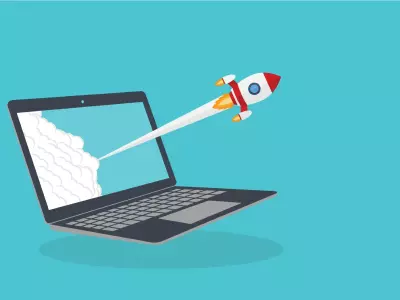
Time is money, especially when your computer starts to run slowly. Whether you use a laptop or a desktop computer, there are a number of easy steps that can significantly improve its speed and efficiency. At Hop.bg, we share our experience with technology and present you with 10 proven tips that will make your computer faster.
1. Clean up unnecessary programs
Over time, applications that you don't use accumulate. They take up space and load the system.
➡️ Open Control Panel > Programs and Features and uninstall everything unnecessary.
Tip: With refurbished computers from Hop.bg, you always get a clean operating system without unnecessary software.
2. Check the programs that start with Windows
Many programs start automatically when the computer starts. This slows down the boot process.
➡️ Press Ctrl + Shift + Esc, open Task Manager > Startup and disable unnecessary applications.
3. Clean up your disk
Use the built-in Disk Cleanup feature or tools like CCleaner to delete temporary files, cache, and old updates. This can free up gigabytes of space.
4. Install an SSD
If you're still using a standard HDD, upgrading to an SSD is the most effective way to speed up your computer.
All refurbished laptops and computers at Hop.bg are equipped with SSDs for maximum speed.
5. Add more RAM
Lack of RAM often leads to slowdowns, especially when multitasking. Check the specifications and, if possible, add more RAM.
6. Keep your system updated
Windows and driver updates improve security and performance.
➡️ Make sure your system is up-to-date, especially if you're using a refurbished computer.
7. Optimize visual effects
Animations and transparencies look good, but they put a strain on the system.
➡️ Go to System Properties > Advanced > Performance Settings and select “Adjust for best performance”.
8. Physically clean your computer
Dust can cause overheating and slowdowns. Turn off the device and carefully clean the fans and cooling.
9. Check for viruses and malware
Even one unwanted process can reduce speed dramatically.
➡️ Use a reliable antivirus program and run regular scans.
10. Consider a refurbished computer from Hop.bg
If your machine is already morally obsolete, a refurbished laptop or computer from Hop.bg is an excellent alternative. You get high-end business equipment – Dell, HP, Lenovo – with a warranty and excellent performance at a much more affordable price.
You don't have to buy a new computer to work faster. With a few easy steps, you can return the agility of your device. And if you still decide to replace it, the refurbished computers on the Hop.bg website are the smart choice – reliable, optimized and ready to work. Visit our stores in Sofia, Plovdiv, Pleven, Varna and Ruse and see for yourself the quality of the wide variety of products we offer.
Previous post Next postLast publications


Last publications




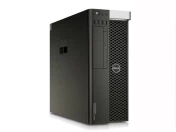
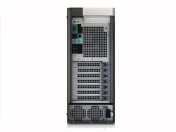
WorkstationDell Precision 5810 Tower, E5-1630 V3, 32GB DDR4, 256GB SSD, Quadro M4000
- Refurbished
339.00 €
309.00 €
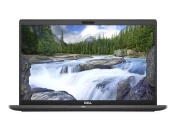
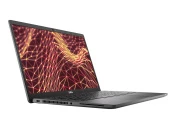
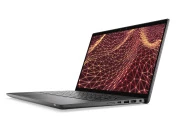
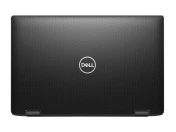
LaptopDell Latitude 7430, i5-1245U, 16GB, 256GB SSD, 14'' IPS Full HD 1920x1080
- Refurbished
509.00 €
459.00 €
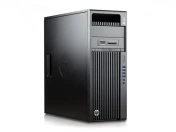
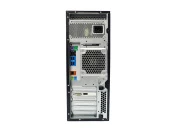
269.00 €
229.00 €
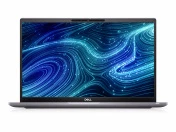
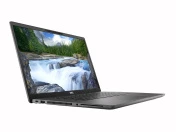
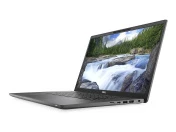
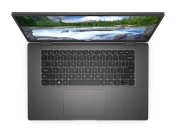
LaptopDell Latitude 7520, i5-1145G7, 16GB, 512GB SSD, 15.6" Touchscreen IPS Full HD 1920x1080
- Refurbished
529.00 €
489.00 €
